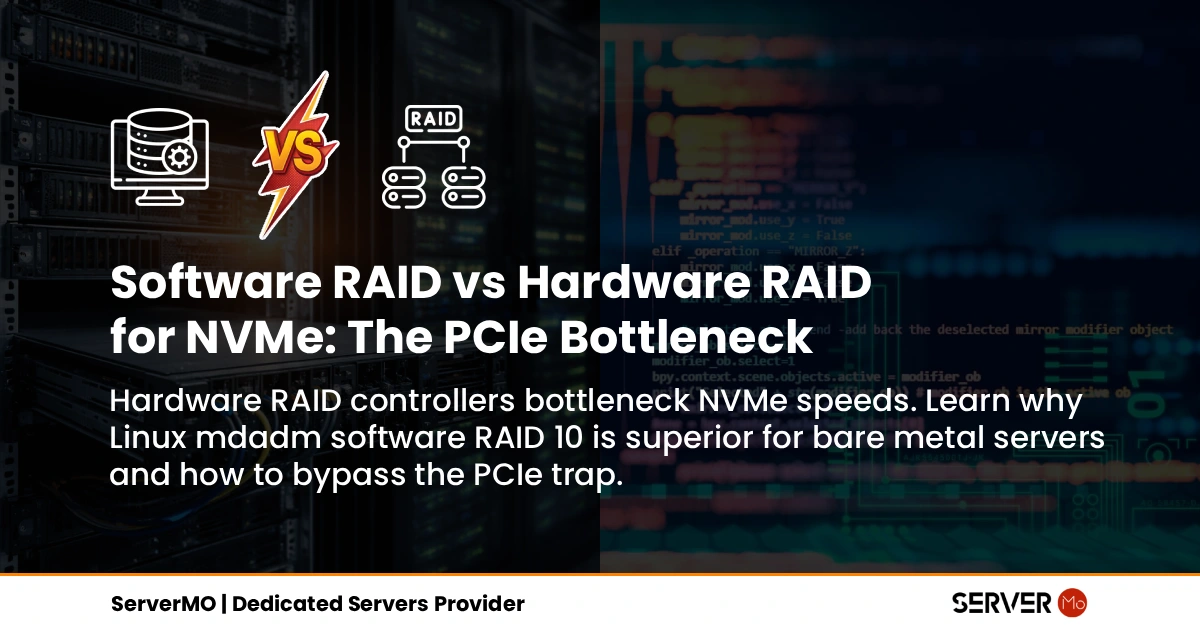
For two decades, SysAdmins operated under a strict golden rule: "Always use a dedicated Hardware RAID controller to protect your disks." This was an indisputable fact in the era of spinning HDDs and early SAS SSDs, where the RAID card efficiently offloaded parity calculations from the server's CPU.
However, NVMe technology has shattered this rule. Today, inserting a hardware RAID controller (such as a traditional Broadcom MegaRAID or Dell PERC) into a modern NVMe environment creates the single greatest bottleneck in the data center.
Phase 1: The PCIe Lane Starvation
Why does Hardware RAID drastically reduce NVMe performance? An NVMe SSD does not rely on legacy storage protocols; it communicates directly over the PCIe bus. A single PCIe Gen 4 NVMe drive requires 4 PCIe lanes to achieve its 7 GB/s maximum throughput. If you connect 8 NVMe drives, they collectively demand 32 PCIe lanes.
Unfortunately, a traditional Hardware RAID controller connects to the motherboard via a single x8 or x16 PCIe slot. By forcing the massive bandwidth of 8 NVMe drives through a tiny 16-lane funnel, you instantly cap the aggregate throughput by up to 50% and severely penalize small-block IOPS.
By migrating away from hardware controllers and utilizing Linux Software RAID (`mdadm` or ZFS) on Bare Metal, the NVMe drives connect directly to the motherboard. This utilizes the massive 128 PCIe lanes provided by modern AMD EPYC or Intel Xeon processors, completely bypassing the controller bottleneck.
Phase 2: Debunking the Hardware Cache Myth
Hardware RAID vendors aggressively market their products by highlighting their "Battery-Backed Cache" (BBU) or Non-Volatile Cache (NVDIR). They claim this caching layer prevents data loss during sudden power outages and accelerates write speeds. This is a marketing myth when applied to Enterprise NVMe.
- Cache Saturation: A high-end RAID controller might possess 4GB or 8GB of onboard cache. A single NVMe drive writes at 7 GB/s. Under heavy database workloads, the hardware cache is saturated and flushed in less than a second, rendering it useless as a performance buffer.
- Native Power Loss Protection (PLP): Enterprise-grade NVMe drives have their own built-in PLP capacitors. If power is lost, the drive relies on its onboard capacitor to flush all in-flight data directly into NAND flash safely. You do not need a RAID card battery to protect your data.
Phase 3: VROC vs mdadm vs ZFS: The Showdown
If Hardware RAID is obsolete for NVMe, which Software RAID solution should an enterprise adopt?
| Feature Metric | Linux mdadm (Kernel) | Intel VROC | ZFS (OpenZFS) |
|---|---|---|---|
| Raw Performance (IOPS) | Highest (Zero Overhead) | High | Moderate (Overhead from CoW) |
| Hardware Lock-in | None (100% Hardware Agnostic) | Locked to Intel CPUs & Dongles | None (100% Hardware Agnostic) |
| Cost | Free | Expensive Licensing / Hardware Keys | Free |
| Best Use Case | High-Speed Databases (RAID 10) | Legacy Intel-only Environments | Data Integrity, Snapshots & Storage |
The VROC Reality: Intel Virtual RAID on CPU (VROC) requires a physical hardware key (dongle) to be plugged into the motherboard to unlock enterprise features like RAID 5, and it strictly locks your infrastructure to Intel processors. Linux `mdadm` decisively outperforms VROC by offering superior performance, zero licensing fees, and seamless compatibility across both AMD EPYC and Intel architectures.
Phase 4: Disaster Recovery & Security Realities
Beyond raw performance, the most critical reason Enterprise SREs migrate to Software RAID is to eliminate Vendor Lock-in during Disaster Recovery.
If a proprietary hardware RAID controller fails, your data is severely compromised. To recover the array, you must source the exact same model of RAID controller, frequently requiring the exact same firmware version. This dependency introduces catastrophic downtime risks.
By utilizing Linux Software RAID (mdadm), the RAID metadata is written directly to the NVMe drives using universally open standards. If the server's motherboard or CPU fails, you can physically move the NVMe drives into any other Linux Bare Metal server in the world, and mount the data array in seconds. This is genuine Disaster Recovery security.
Phase 5: Deploying mdadm RAID 10 on Ubuntu
It is highly recommended to avoid configuring RAID 5 or RAID 6 on NVMe drives unless strictly deploying for cold storage. The intensive parity calculations create massive Write Amplification, burning through the NVMe flash memory's TBW (Terabytes Written) lifespan. For performance databases, RAID 10 is the absolute gold standard.
# 1. Install the mdadm utility
sudo apt update && sudo apt install mdadm -y

# 2. Wipe any legacy RAID superblocks from your four NVMe drives
sudo mdadm --zero-superblock /dev/nvme0n1 /dev/nvme1n1 /dev/nvme2n1 /dev/nvme3n1

# 3. Create the High-Performance RAID 10 Array (Optimized Chunk Size)
sudo mdadm --create --verbose /dev/md0 --level=10 --chunk=64 --raid-devices=4 /dev/nvme0n1 /dev/nvme1n1 /dev/nvme2n1 /dev/nvme3n1

# 4. Format the array with an enterprise filesystem (e.g., XFS)
sudo mkfs.xfs -f /dev/md0

# 5. Save the RAID layout to persist across reboots
sudo mdadm --detail --scan | sudo tee -a /etc/mdadm/mdadm.conf
sudo update-initramfs -u

# 6. Mount the array automatically via fstab (NO DISCARD FLAG)
echo '/dev/md0 /mnt/database xfs defaults,nofail 0 0' | sudo tee -a /etc/fstab

# 7. SRE Pro-Tip: Enable Periodic TRIM (Instead of Continuous 'discard')
sudo systemctl enable --now fstrim.timer

# 8. SRE Pro-Tip: Disable legacy I/O schedulers for NVMe devices
for i in 0 1 2 3; do echo none | sudo tee /sys/block/nvme${i}n1/queue/scheduler; done
Conclusion: The ServerMO Bare Metal Advantage
Optimizing Software RAID is futile if you deploy it on shared cloud VMs where hypervisors artificially throttle NVMe access and cap IOPS. Hardware RAID cards are obsolete, and cloud storage block volumes are far too slow for demanding enterprise databases.
To unlock the true throughput of Software RAID, you must deploy on ServerMO Dedicated Bare Metal Servers. Our enterprise infrastructure bypasses all virtualization layers, connecting your Linux OS directly to the massive PCIe Gen5 lanes of AMD EPYC and Intel Xeon processors. Paired with our 100Gbps+ unmetered networking, ServerMO guarantees that your direct-attached NVMe storage runs at absolute maximum theoretical speeds without bottlenecks.
NVMe Storage & RAID FAQ
Yes. Hardware RAID controllers introduce severe PCIe lane bottlenecks and ASIC processing overhead. A typical RAID card only has an x8 or x16 PCIe interface, instantly throttling the aggregate bandwidth of multiple Gen 4/Gen 5 NVMe drives. Software RAID allows direct motherboard connections, preserving maximum IOPS.
Linux 'mdadm' is widely preferred for robust enterprise environments. It is completely free, open-source, and works flawlessly across both AMD EPYC and Intel Xeon processors. Intel VROC requires physical hardware dongles (keys) and severely locks you into the Intel CPU ecosystem.
The optimal configuration is RAID 10 using Linux Software RAID ('mdadm' or ZFS Mirrored VDEVs). Avoid RAID 5 or RAID 6 for NVMe databases, as the intensive parity calculations cause high CPU wait times and unnecessarily degrade the NVMe flash memory lifespan via write amplification.
Adding 'discard' to /etc/fstab triggers Continuous TRIM, meaning the OS sends a TRIM command for every single file deletion instantly. This blocks the NVMe I/O queues and destroys database performance. The SRE best practice is to omit 'discard' and instead enable 'fstrim.timer' for periodic, background TRIM operations.
Not with Enterprise NVMe. Data center NVMe drives come equipped with their own internal PLP (Power Loss Protection) capacitors, which flush in-flight data directly to NAND during a power failure. This makes the battery-backed cache (BBU) on legacy hardware RAID cards obsolete.
 Your Voice Matters: Share Your Thoughts Below!
 Recent Topics for you