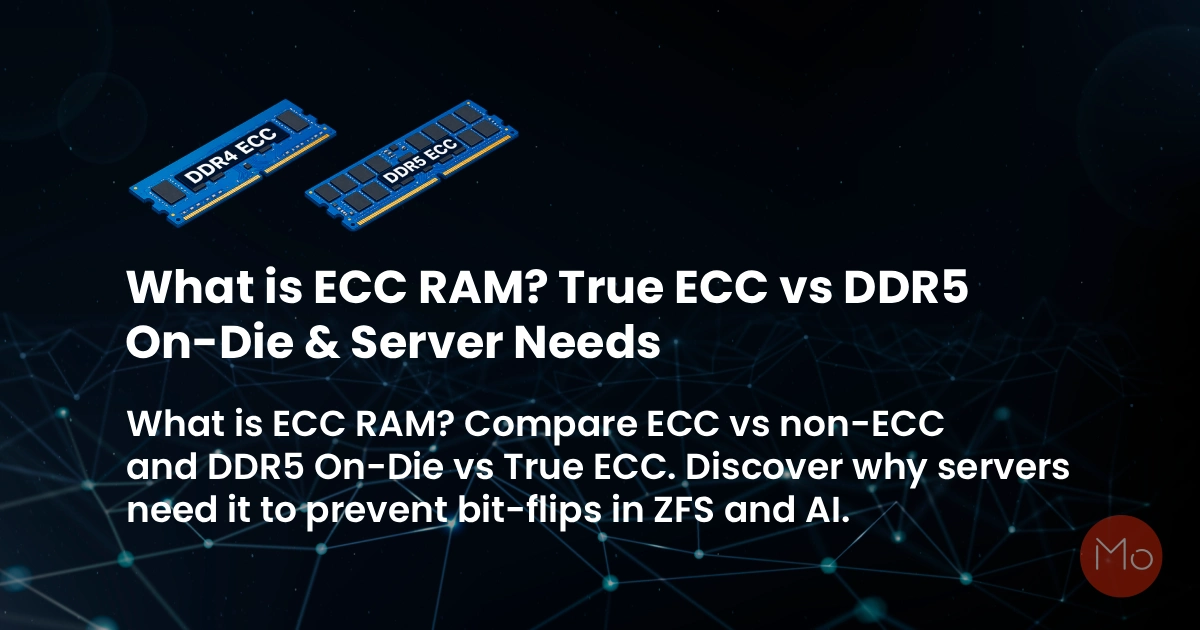
Data center engineers and System Administrators share a universal fear: silent data corruption. You can have the fastest NVMe storage and the most powerful CPUs in the world, but if the temporary workspace linking them—your Random Access Memory (RAM)—is flawed, your entire enterprise infrastructure is built on sand.
When evaluating server hardware, the debate between ecc vs non ecc ram is highly misunderstood. Many IT professionals assume that memory errors are rare anomalies or that modern DDR5 standards have rendered server-grade memory obsolete. Both assumptions are dangerously wrong.
In this massive hardware guide, we dive deep into the science of cosmic ray bit-flips, explain exactly how does ecc ram work at the architectural level (debunking 72-bit vs 80-bit math), explore the evolution of modern DDR5 ECC types, shatter the "ZFS Scrub of Death" and Gamer performance myths, and reveal why enterprise workloads absolutely mandate True ECC memory.
Phase 1: What Causes RAM Bit-Flips? (The Invisible Enemy)
Why does perfectly good RAM suddenly produce corrupted data? The answer isn't just failing hardware or overheating. Volatile memory cells hold data using tiny electrical charges. These charges can be disrupted by several invisible forces:
- Cosmic Rays (Single-Event Upsets): High-energy subatomic particles from deep space constantly bombard the Earth's atmosphere. When secondary neutrons strike a microchip, they can discharge enough electrical charge to alter a transistor, flipping a binary `0` to a `1` or vice versa.
- Electromagnetic Interference (EMI): Poorly shielded server components or power supply voltage fluctuations can cause signal degradation inside the server chassis.
- Cell Aging & Thermal Stress: As server RAM runs 24/7 at high temperatures, the silicon degrades, making it harder for the cells to retain their electrical charge accurately.
If you think cosmic rays are a theoretical myth, history proves otherwise. In a 2003 Belgian election, a cosmic ray flipped a bit in the 13th position of an electronic voting machine, giving a candidate exactly 4,096 impossible extra votes. In a video game, a bit-flip is a funny glitch. In a financial database, it is a catastrophe.
Phase 2: How Does ECC RAM Work? (The 72-bit vs 80-bit Math)
To understand what is ecc ram, you must look at its physical construction and evolution. A standard non-ECC RAM module utilizes a 64-bit data path and blindly trusts that the data it receives is correct.
When the CPU reads the data, the memory controller recalculates the checksum. If the numbers do not match, the RAM instantly and automatically corrects the single-bit error on the fly. If two bits are corrupted, it cannot fix it, but it detects it and safely halts the system to prevent corrupted data from being written to your permanent NVMe drives.
Phase 3: Types of ECC Memory (UDIMM vs 3DS RDIMM)
Not all ECC RAM is created equal. Depending on your server's motherboard and CPU capabilities, you will encounter distinct classifications:
- ECC UDIMM (Unbuffered): Typically used in entry-level servers and workstations. The memory controller communicates directly with the RAM chips. It is faster but severely limits the maximum amount of RAM you can install in a system.
- ECC RDIMM (Registered): The gold standard for enterprise data centers. It includes a "register" chip that buffers command signals, taking the electrical load off the CPU's memory controller. This allows servers to support Terabytes of RAM without crashing.
- 3DS RDIMM (3D Stacked): In the DDR5 era, legacy LRDIMMs (Load-Reduced) have been rendered obsolete and phased out by JEDEC. For hyper-dense memory configurations (e.g., 2TB+ RAM per server), enterprise platforms now utilize TSV (Through-Silicon Via) technology to create 3DS RDIMMs, pushing module capacities to 128GB, 256GB, and beyond without degrading the memory bus.
Phase 4: The DDR5 "On-Die" Illusion vs True Side-Band ECC
In recent years, a dangerous misconception has spread across IT forums: "DDR5 memory has ECC built-in, so we no longer need expensive server-grade RAM." This is a fundamental misunderstanding of the JEDEC specification.
Phase 5: Performance Impact: The JEDEC vs Overclocking Reality
When comparing ecc vs non ecc ram gaming and general workstation usage, the topic of ecc memory performance impact is wildly misrepresented.
Many sources claim ECC is "1% to 2% slower" because the memory controller requires extra clock cycles to calculate parity bits. While this is mathematically true for the parity overhead, it hides the real reason gamers and enthusiasts avoid ECC.
The Real Performance Gap: Enterprise ECC RDIMMs are built for bulletproof stability. Therefore, they strictly adhere to baseline JEDEC specifications (e.g., 4800MT/s CL40). They do not support consumer overclocking profiles like Intel XMP or AMD EXPO. A gamer running non-ECC RAM at 6000MT/s CL30 will see a 15% to 20% FPS advantage over an enterprise ECC stick running at base speeds. For gaming, non-ECC is king. For enterprise servers, chasing overclocked speeds is a recipe for disaster.
Phase 6: The ZFS Reality (Debunking the Scrub of Death)
If you are building a storage server, you might wonder: do i need ecc ram for zfs? The answer is a definitive yes, but for years, the storage community has cited the wrong reason.
Phase 7: ECC RAM for AI Training & Financial Workloads
Beyond storage, the necessity for bare metal server ecc memory extends to high-performance computing (HPC) and Artificial Intelligence.
- Financial Systems & HFT Ledgers: In banking databases, a flipped bit changing a transaction from $100 to $10,000 undetected is catastrophic, making True ECC a strict compliance requirement. However, SREs know a fascinating nuance: while the foundational databases mandate ECC, some ultra-low-latency High-Frequency Trading (HFT) execution nodes will actually risk using water-cooled, overclocked non-ECC RAM to shave off microseconds during live market trades.
- AI/ML Workloads: When researching ecc ram for ai training, consider that training a Large Language Model (LLM) on GPU servers requires massive amounts of system RAM to stage the dataset. If a bit flips in the system RAM, the multi-million dollar neural network model can become poisoned, ruining weeks of expensive compute time.
Phase 8: The Future of ECC Innovations
The evolution of error correction is not stopping at DDR5. The future of enterprise memory relies heavily on two emerging technologies:
CXL (Compute Express Link): CXL allows servers to pool massive amounts of memory via PCIe lanes. CXL modules heavily rely on advanced ECC and SDDC (Single Device Data Correction) to ensure data traveling outside the traditional DIMM slots remains 100% secure.
Predictive Failure Analytics: Modern server Baseboard Management Controllers (BMCs) now use AI to monitor how often ECC is correcting single-bit errors on a specific DIMM. By analyzing these logs, SREs can predict when a RAM stick is going to fail completely and replace it before a catastrophic multi-bit error occurs.
Conclusion: The ServerMO Bare Metal Advantage
You cannot compromise on memory integrity. Cloud providers often obfuscate the underlying hardware, leaving you blind to the physical memory health of the host node and susceptible to silent hypervisor-level data corruption.
For workloads where data integrity is absolute, you must take control of the physical layer. By deploying your databases, ZFS storage arrays, and AI training pipelines on ServerMO Dedicated Bare Metal Servers, you are guaranteed enterprise-grade architecture. Every ServerMO AMD EPYC and Intel Xeon bare metal instance is equipped exclusively with True Enterprise ECC Memory, shielding your mission-critical applications from bit-flips and ensuring 100% uncompromising uptime.
ECC RAM & Server Reliability FAQ
ECC (Error-Correcting Code) RAM is used in servers, enterprise workstations, and data centers to automatically detect and correct single-bit memory errors. It prevents silent data corruption, system crashes, and ensures 24/7 uptime for critical applications like financial databases and AI training.
For gaming, Non-ECC RAM is far superior. While the ECC parity calculation only costs 1-2% performance, Enterprise ECC RAM strictly adheres to baseline JEDEC speeds (e.g., 4800MT/s). It does not support consumer XMP/EXPO overclocking (e.g., 6000MT/s CL30). This lack of overclocking results in a 15-20% FPS drop in games.
No. DDR5 'On-Die ECC' is built into consumer RAM solely to fix internal chip errors and improve manufacturing yields as silicon gets denser. It DOES NOT protect data as it travels across the motherboard bus to the CPU. Servers require 'True Side-Band ECC' (which utilizes an 80-bit bus in DDR5) to guarantee end-to-end data integrity.
Absolutely. While the 'Scrub of Death' is a known myth, the real danger is silent corruption of new writes. If data flips in bad RAM before ZFS calculates the checksum, ZFS will generate a valid checksum for the corrupted data and write it to disk permanently. ECC RAM prevents this catastrophe.
 Your Voice Matters: Share Your Thoughts Below!
 Recent Topics for you